








Official Supplier
As official and authorized distributors, we supply you with legitimate licenses directly from 200+ software publishers.
See all our Brands.
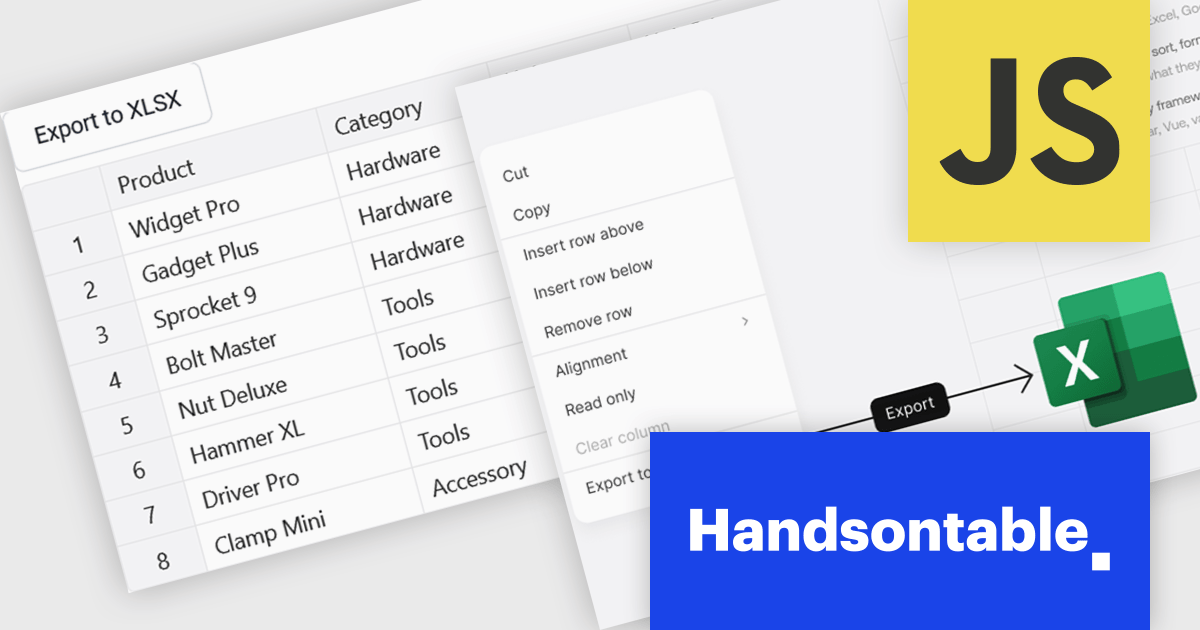
Handsontable is a JavaScript library designed to help developers build interactive data grids into their web applications. Offering a familiar spreadsheet-like interface, it allows users to edit, sort, and filter data with ease. Highly customizable and compatible with popular frameworks like React and Angular, Handsontable empowers developers to build robust data manipulation features into their web applications.
The Handsontable 17.1.0 update includes native export to Excel support, allowing users to save rendered grid data directly to XLSX format. The export reflects the current view of the table, including column order, visible columns, applied filters, sort order, frozen rows and columns, and merged cells. Cell types such as numbers, dates and checkboxes are mapped to their Excel equivalents where possible, helping exported files open cleanly in Microsoft Excel, Google Sheets and Apple Numbers without additional formatting or data preparation. This makes it easier to share and analyze data while maintaining the structure and context users see within the grid.
To see a full list of what's new in version 17.1.0, see our release notes.
Handsontable is licensed per developer and is available as an Annual or Perpetual license with 1 year support and maintenance. See our Handsontable licensing page for full details.
For more information, visit our Handsontable product page.
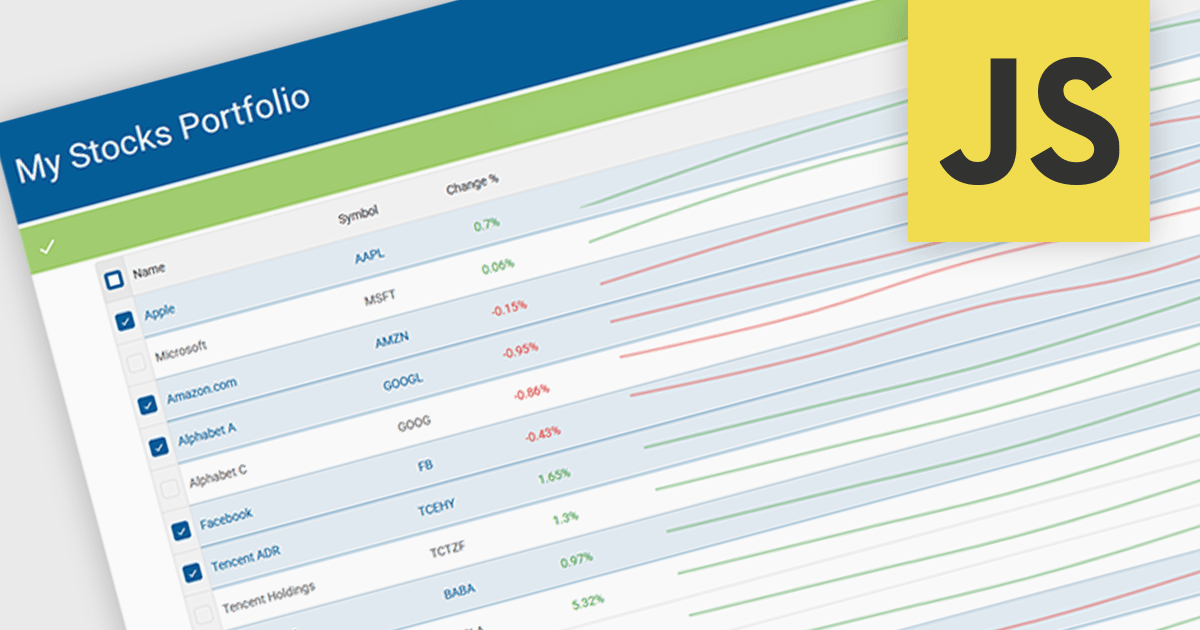
Sparklines in grids display compact visual charts directly inside grid cells, making it easier to identify trends, patterns, and performance without leaving the table view. By transforming raw data into clear visual insights, they help users analyze information faster, reduce dashboard clutter, and make more informed decisions. Common use cases include tracking stock performance in financial applications, monitoring sales and revenue trends in business dashboards, and highlighting operational KPIs in enterprise reporting systems.
Several JavaScript grid controls offer support for sparklines including:
For an in-depth analysis of features and price, visit our JavaScript Grid controls comparison.
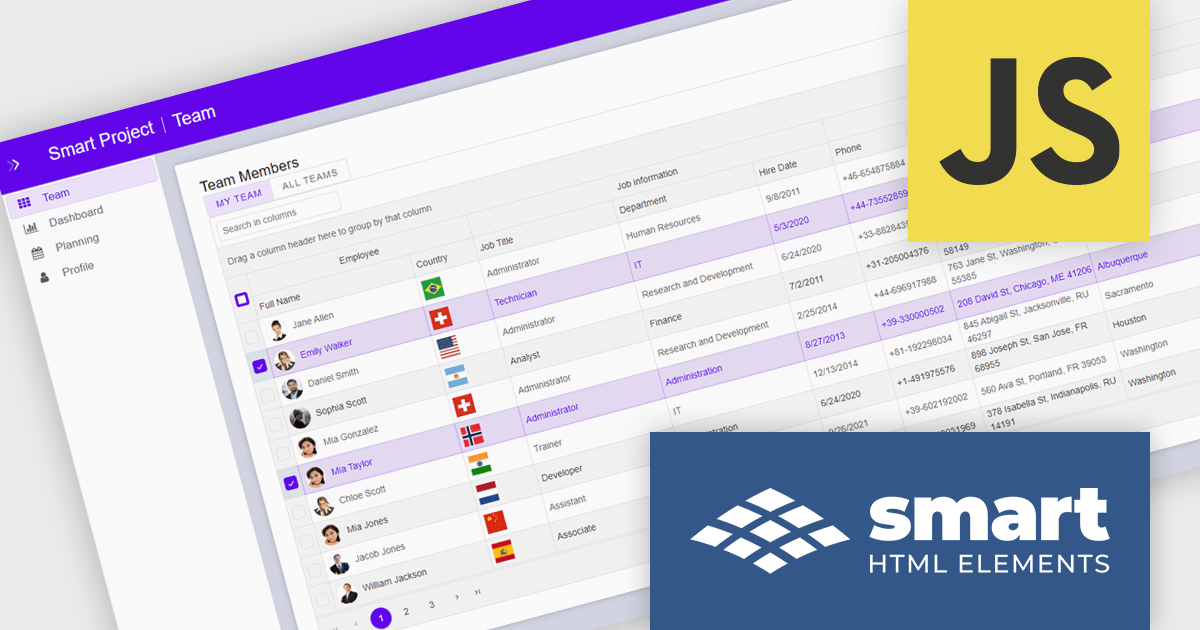
Smart UI by Smart HTML Elements is an enterprise-grade UI library offering pre-built web components for developers in Angular, React, Vue, Blazor, and JavaScript. It boasts over 60 ready-to-use components like grids, charts, schedulers, and editors, all featuring two-way data binding, responsiveness, accessibility, and theming capabilities. This library helps developers rapidly build dynamic and modern web applications with consistent look-and-feel and rich functionalities, accelerating development time and ensuring professional quality.
The Smart UI v26.0.0 update introduces native Data Grid cell comments, enabling software developers to build more collaborative applications with contextual feedback and data annotations directly within tabular interfaces. This feature improves communication during data reviews, validation workflows, and approval processes by allowing users to attach comments to specific cells without relying on external tools or custom implementations.
To see a full list of what's new in v26.0.0, see our release notes.
Smart UI (Smart HTML Elements) is licensed per developer and is available as a perpetual license with 1 year support and maintenance. It includes distribution to unlimited Web applications, SaaS projects, Intranets and Websites. Team, OEM and Enterprise licensing options are also available. See our Smart UI (Smart HTML Elements) licensing page for full details.
Learn more on our Smart UI (Smart HTML Elements) product page.
DevExpress Blazor (part of DevExpress ASP.NET and Blazor) helps you create high-impact user experiences for both Blazor Server and Blazor WebAssembly using C#. The Blazor UI Component Library ships with a comprehensive set of native components including a Grid, Pivot Table, Scheduler, Chart, Data Editors and Reporting.
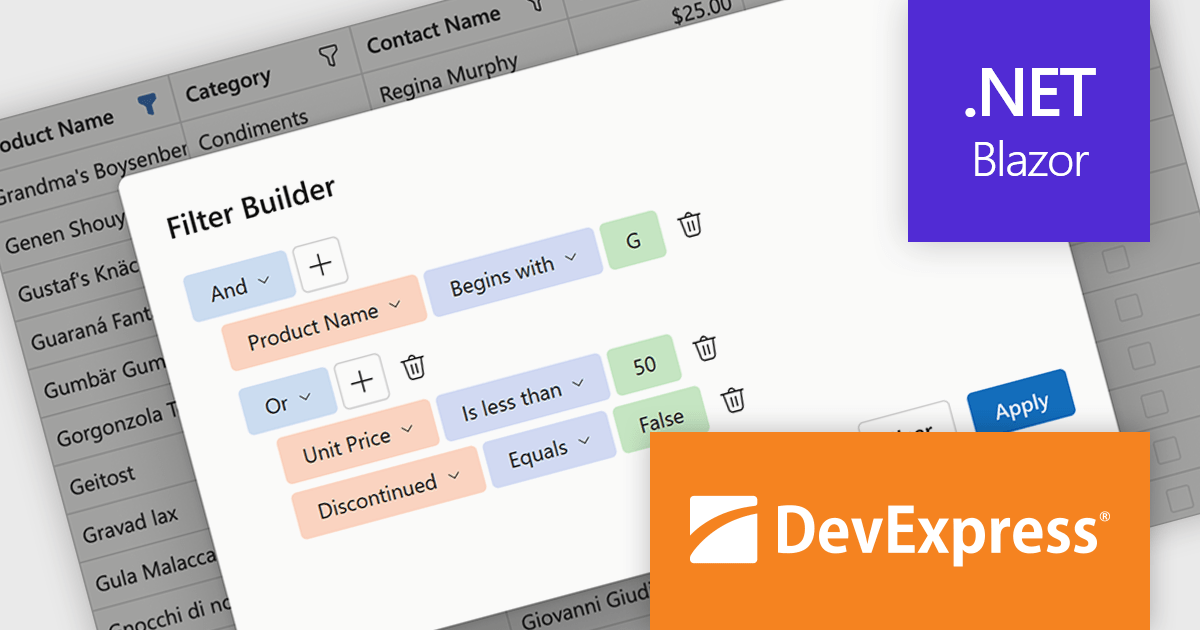
DevExpress Blazor now includes an integrated Filter Builder for its Grid and TreeList components, making it easier for users to define advanced filtering criteria through a visual interface. Filter Builder fields are generated automatically from existing data columns, so developers can add sophisticated filtering capabilities without extra configuration or custom implementation work. This approach helps users work with large datasets more efficiently while maintaining a consistent experience across Blazor applications.
DevExpress ASP.NET and Blazor is licensed per developer and is available as a Perpetual License with a 12 month support and maintenance subscription. See our DevExpress ASP.NET and Blazor licensing page for full details.
DevExpress Blazor is available in the following products:
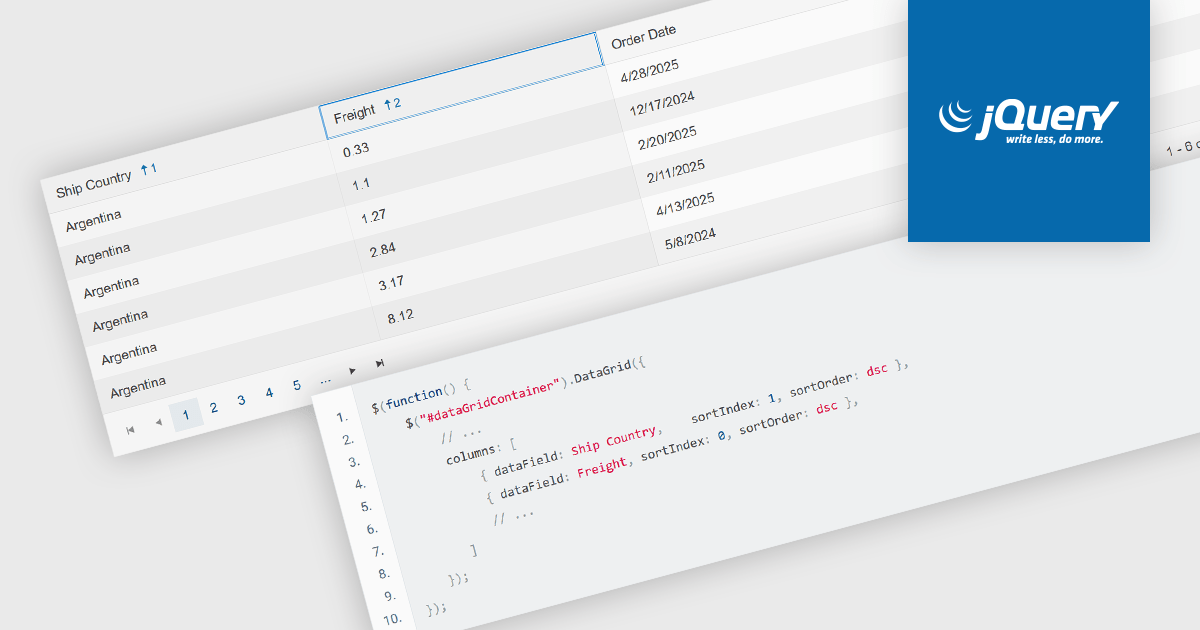
Multi-column sorting in a grid allows users to order data based on more than one column at the same time, applying a hierarchy of sort conditions. This means that when values in a primary column are identical, secondary or tertiary columns are used to further refine the order. The approach improves data exploration by enabling more precise organization, reducing the need for manual filtering, and supporting clearer comparisons across related fields. It is particularly useful in datasets where single-column sorting does not provide enough context to surface meaningful patterns.
Several jQuery grid components allow you to sort multiple columns, including:
For an in-depth analysis of features and price, visit our comparison of jQuery grid components.





Tel: (888) 850 9911
Fax: +1 770 250 6199


